
This release is about making your work time in Raptor faster, cleaner, and more comfortable. Here’s what’s new:
Power user assistant
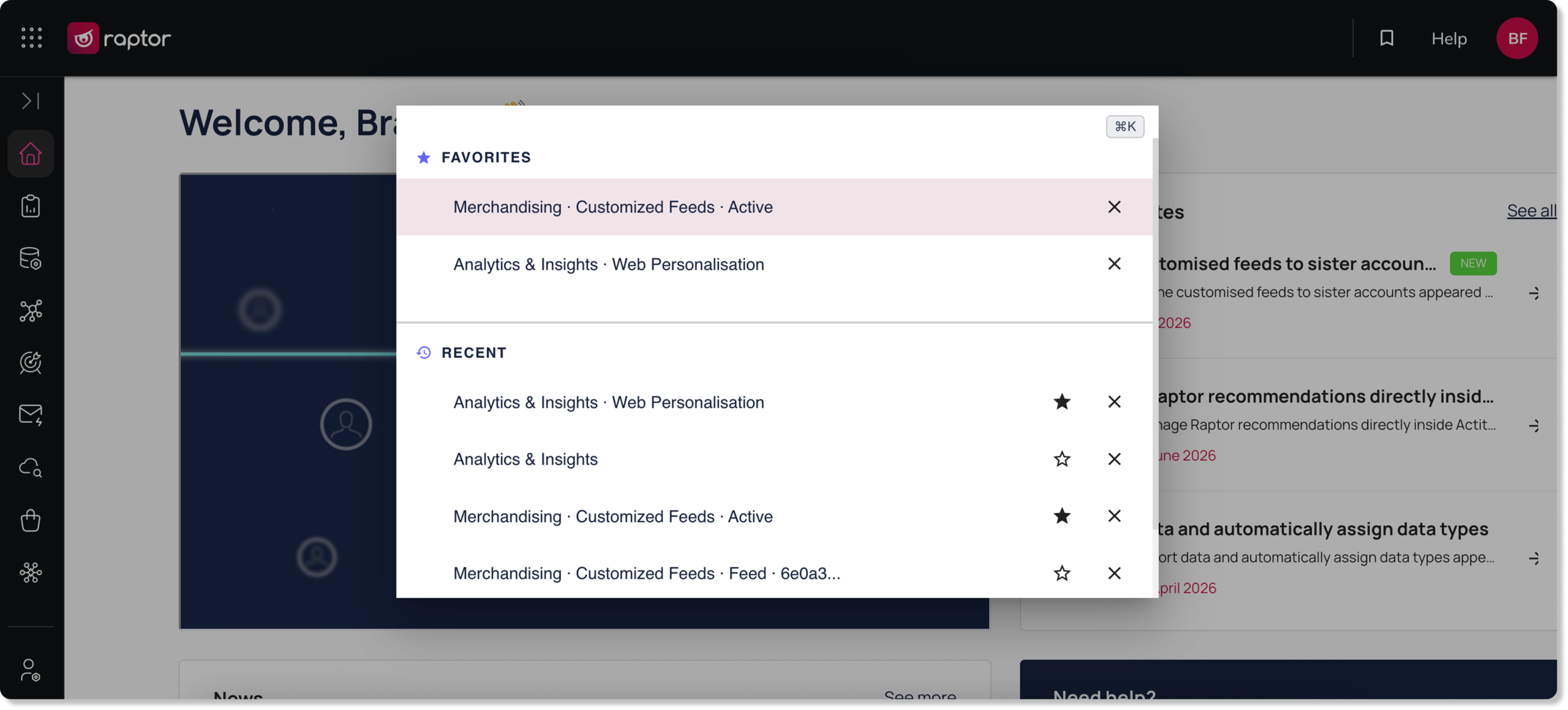
If you spend a lot of time navigating the Raptor interface, the power user assistant is designed to get you where you need to go faster.
Press Ctrl+K or Cmd+K to open it and jump instantly to recently visited pages or your most-used features, which you can save as favourites.
Revamped analytics and insights
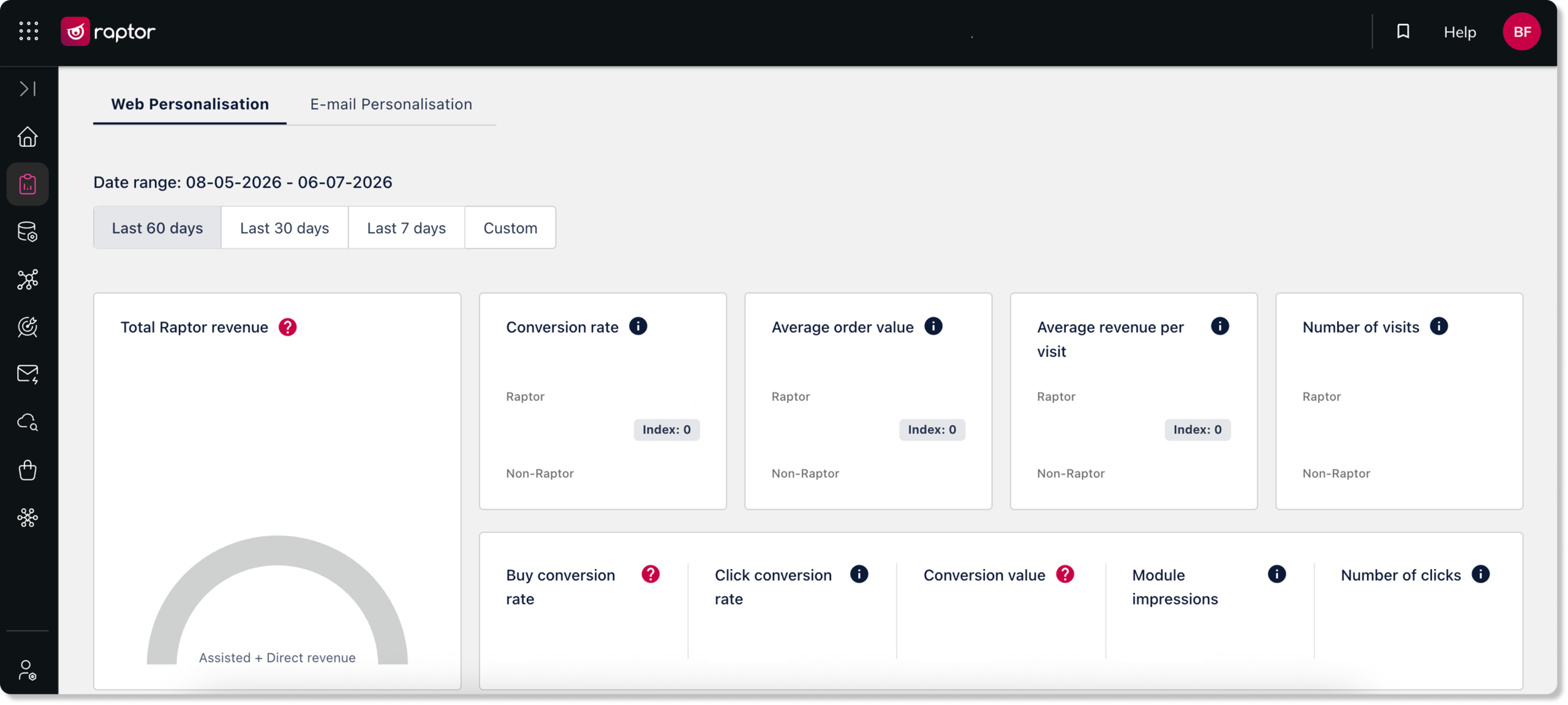
We have fully rebuilt the analytics and insights section where you monitor your recommendation performance.
The redesign brings a streamlined interface that is faster to load and easier to read so that you can review the performance and impact of your recommendations smoothly.
Dark mode
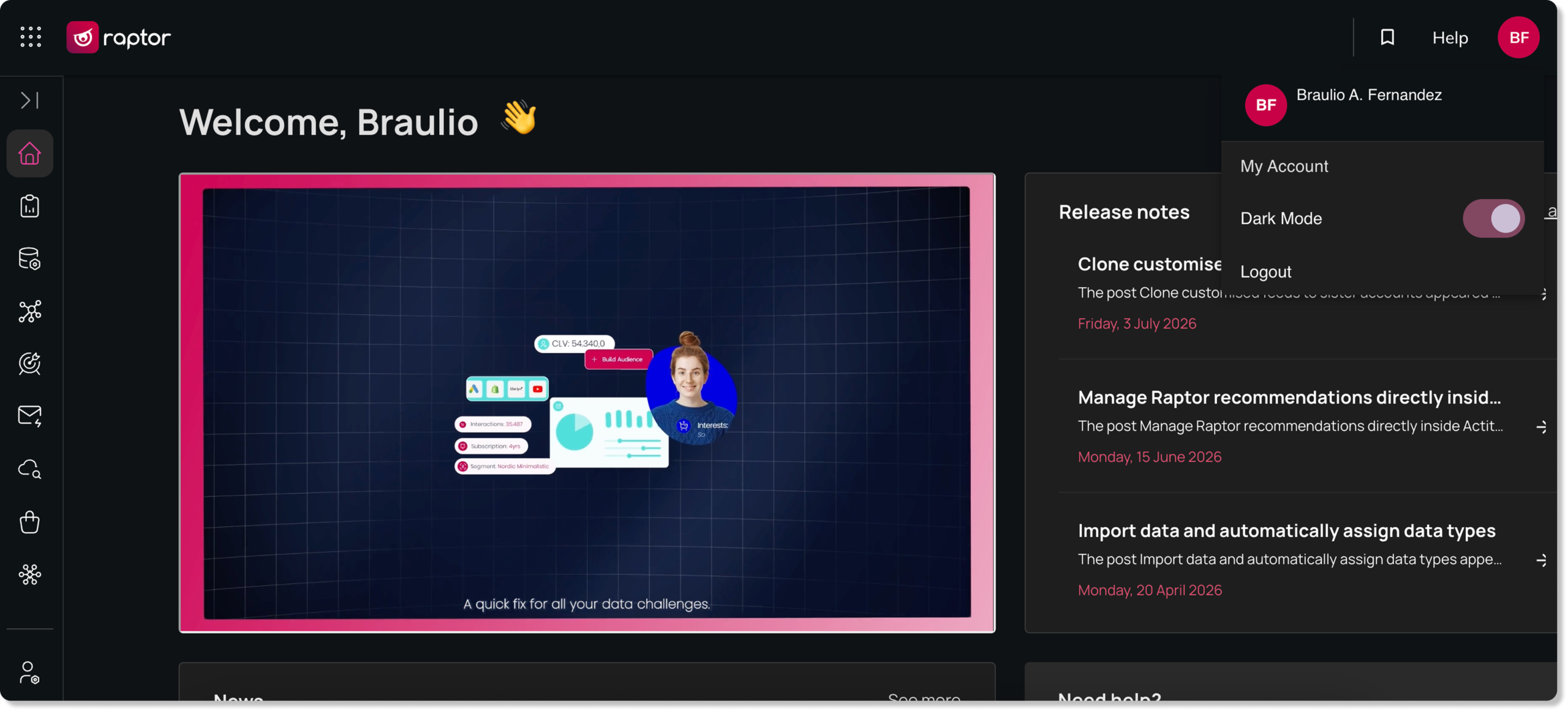
The Raptor interface now supports switching between light and dark mode, so you can match your working environment and reduce eye strain during longer sessions.
The theme automatically matches your operating system preference, but can be overridden manually in your display settings.
Any questions or feedback? Don’t hesitate to get in touch at [email protected].