

Our latest integration between the two platforms brings a no-code campaign builder into Actito, connecting your email activations directly to Raptor’s personalisation engine.
What’s new
With the campaign builder, you can:
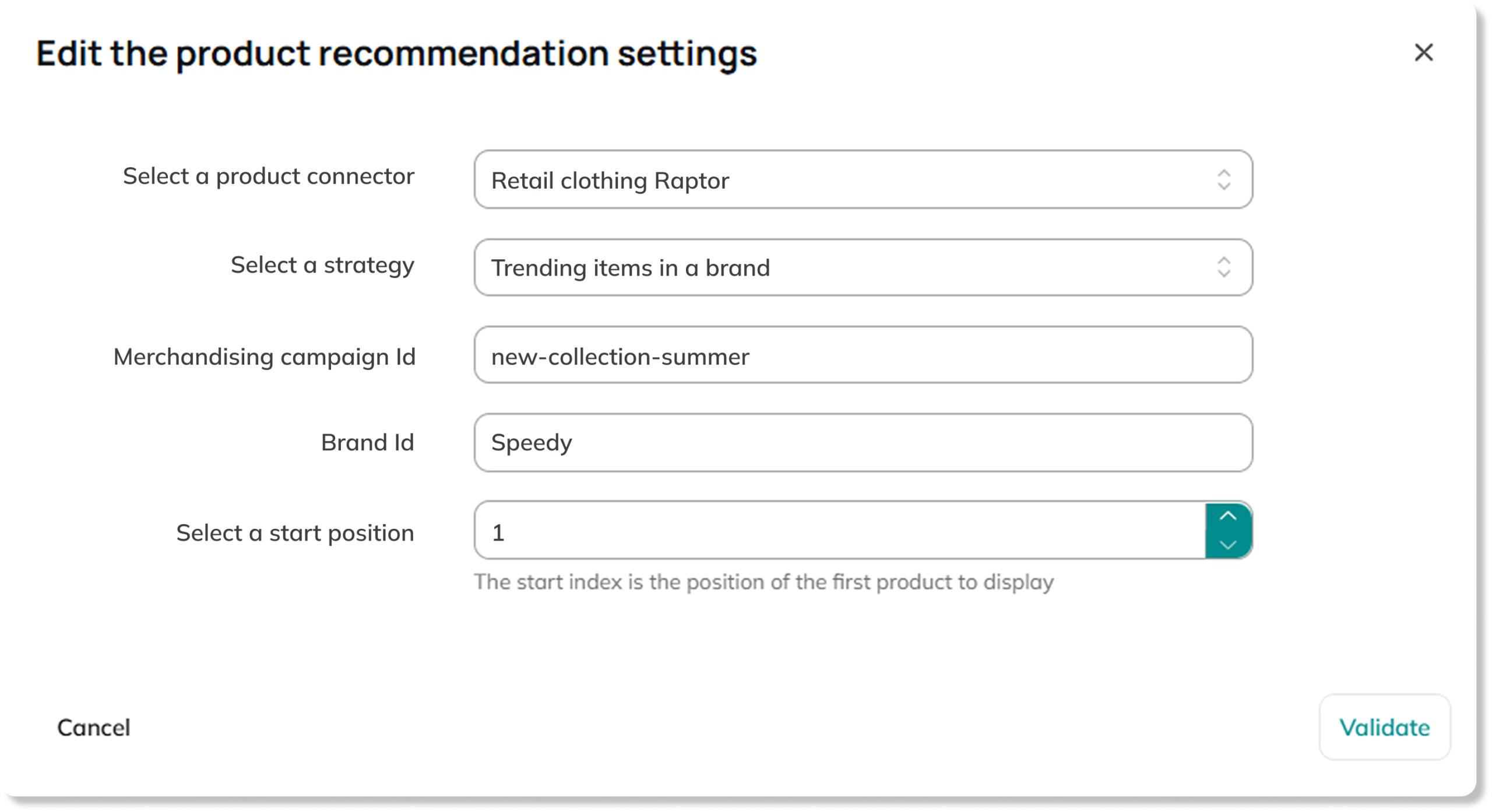
- Select the product recommendation strategies you use most, such as Popular products or Recently seen products, and embed them in Actito emails to personalise their content
- Choose specific brands or product categories within your recommendation strategy to feature in your emails
- Update those settings in seconds, without touching any code
Any marketer on the team can do this without getting involved with code or anything technical. If you need to make more complex changes, you can still do so directly in Raptor.
This integration is designed so that everyday campaign tasks can be handled entirely within Actito emails, while specialists retain full access to Raptor’s advanced settings.
Improving the way you use Raptor with Actito
Product recommendations are powered by Raptor’s AI engine, which draws on CDP customer data such as browsing behaviour and product interests. It then identifies which products to show to each customer based on your recommendation strategy.
Previously, personalising Actito emails with Raptor recommendations meant updating your email code with specific product IDs. These IDs told Actito which product visuals and information to pull from Raptor into your email.
Now, there is no code involved. Simply:
- Access the campaign builder within your Actito email
- Select a Raptor recommendation strategy and place a product recommendation block in your email
- The block will automatically show products chosen specifically for each customer
If you prefer it, you can always push specific products or brands by pasting their ID into a field in the campaign builder, rather than locating them in code.
Any questions or feedback? Don’t hesitate to get in touch at [email protected].